How to Create Rounded Images or Elements in Webflow
You might want to create rounded elements in Webflow for several reasons:
- styling your images to make them rounded
- styling buttons to give the edges a slight curve or rounding effect
It's really easy to do this in Webflow by using border or corner radius.
The radius can be set in px (pixels) or in %. So if you had a square image or element, setting border radius to 100% will make it a circle.
🌟 Did I add value to your life?
These tutorials on creating a blog using Webflow are completely free. If you found value from my tutorials, ☕️ Buy Me A Coffee.
By the way, I teach a course on how to grow your startup using Programmatic SEO.
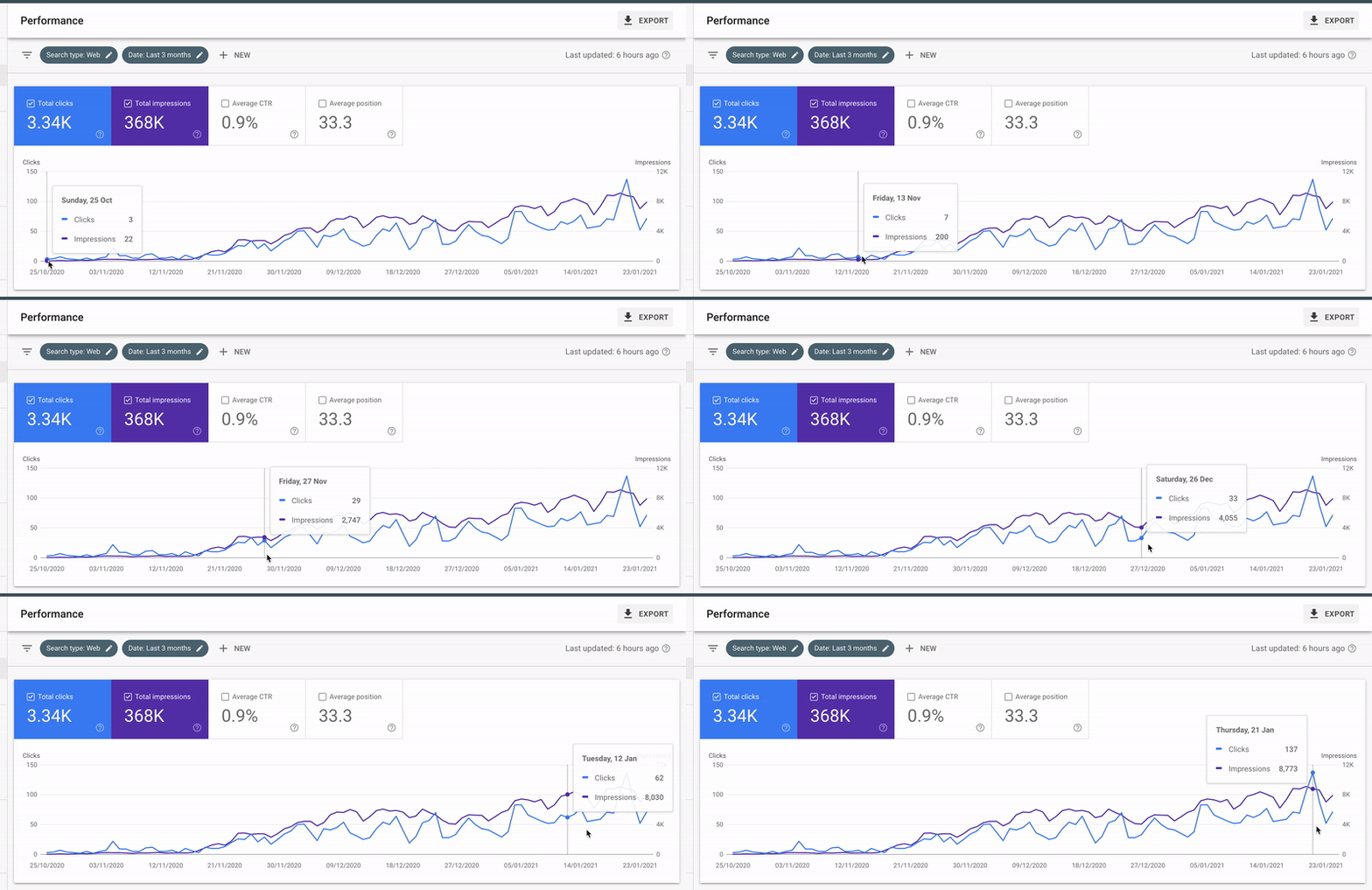
My course is a methodical and data-driven approach to finding keywords, understanding user intent and creating dozens or hundreds of pages of content.
Learn how to apply this framework to your business, whether it's ecommerce, SaaS, or even a side project and grow your business using Google Search Traffic and LLM AI Citations. No prior SEO knowledge required.